What a Hack Does to Your WordPress Site's Google Rankings (and How to Recover)

A sudden drop in Google traffic can be worrying, especially if you’ve just discovered your WordPress site was hacked. Spam pages, injected links, redirects, or harmful content can affect what Google shows and what visitors experience. Even after cleanup, your search traffic may not bounce back right away.
A hack does not automatically mean your site is permanently penalized or that your rankings are gone for good. But recovery involves more than removing the obvious malware: you need to clean the full site, resolve the underlying security issue, and give Google a chance to review and recrawl it.
What happens to Google rankings when a website is hacked?
The impact depends on what the attacker changed and what Google detects. A compromised site may have one or several of these problems:
- Warnings appear in Search or browsers. Google may show a warning label beside your result, and a browser may display an interstitial warning before visitors can reach the site. Customers may choose not to click or continue.
- Hacked pages are filtered or removed from Search. Google tries to keep hacked content out of its results. Pages affected by a security issue may become harder to find or disappear from search results.
- Spam URLs show up under your domain. Attackers may create pages for unrelated products or topics. These can be indexed and compete with the pages you actually want customers to find.
- Injected links or redirects change the visitor experience. Some attacks show different content to Google or visitors than they show to the site owner, making the problem easy to miss.
- Customers may lose confidence. A warning or unexpected redirect can make people question whether your business is safe to contact or buy from. That loss of visitor trust can affect clicks and conversions while the issue is being resolved.
Google’s Security Issues report explains that affected pages can show warnings in Search or in a browser. It also provides sample URLs, but those examples may not list every affected page.
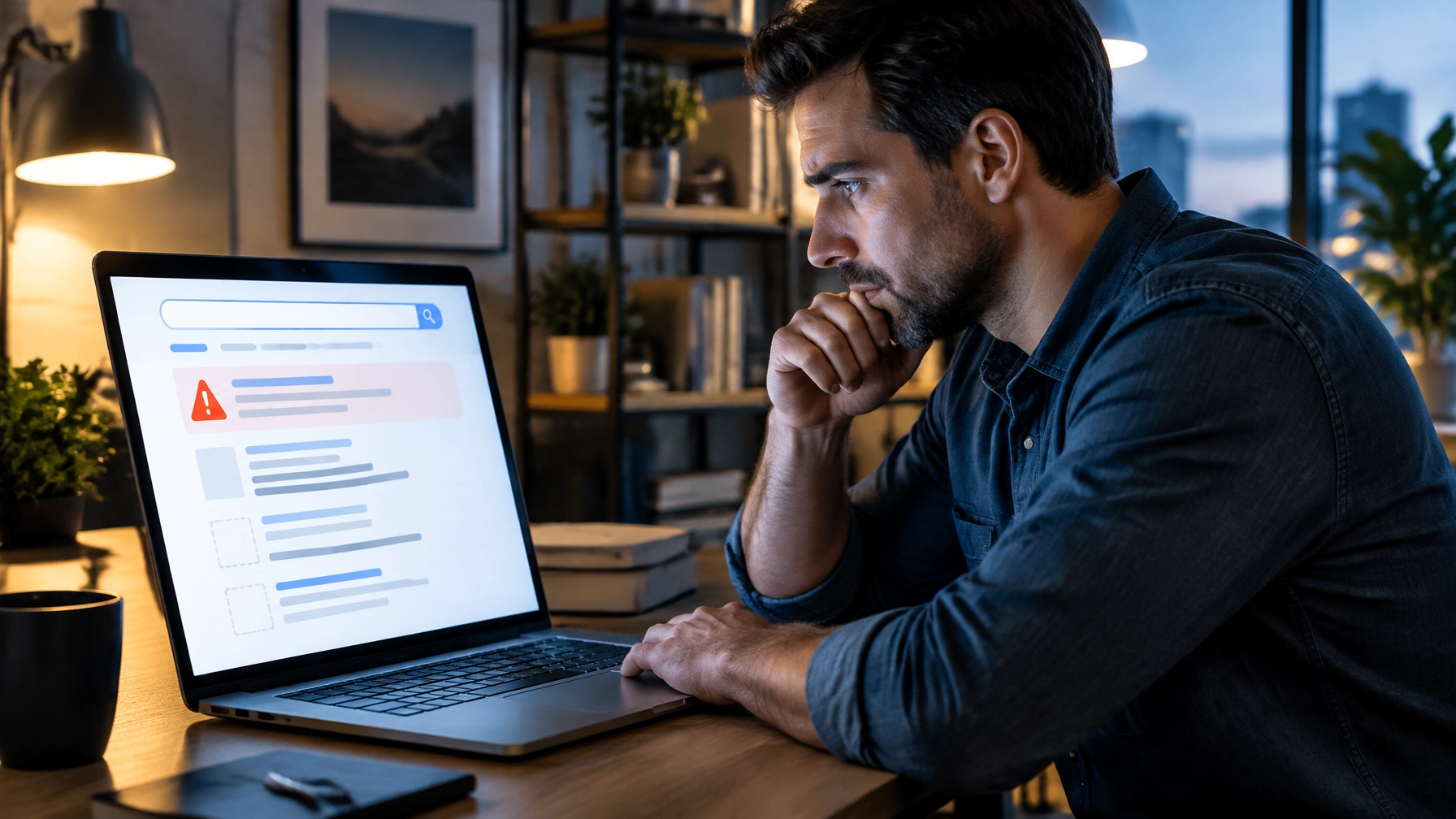
Did a hack hurt my SEO?
It may have hurt your search visibility, but that doesn’t necessarily mean Google applied a permanent ranking penalty. A warning, missing pages, spam URLs, or an inaccessible website can all contribute to a drop in search traffic. The exact cause is important: a security warning and a manual action are different issues, and Search Console has separate reports for them.
Start with Search Console. Check Security issues for reported hacked content or harmful behavior, then review the Manual actions report separately. Also look for unexpected indexed URLs by searching Google for site:yourdomain.com. These checks can help identify clues, but they don’t replace a full security investigation.
Why can traffic stay down after the site is clean?
Cleaning the infection is a major step, but it doesn’t instantly update Google’s view of every page. Google needs to recrawl and reassess affected content. Spam URLs can also linger in the index until Google processes their removal or sees that they no longer exist.
Some problems require specific follow-up. For example, deleting a spam page in WordPress may not be enough if the attack can recreate it, the URL still returns misleading content, or the underlying backdoor remains. Likewise, a Search Console review request can only help once the reported issues have been fixed throughout the site.
If you’re seeing a warning, our guide to removing Google’s “This site may be hacked” warning explains how the cleanup and review process fit together.
How to recover Google rankings after a WordPress hack
Work through recovery in order. Asking Google to review a site before it is fully clean can delay progress and leave visitors at risk.
1. Clean the site properly
Investigate the whole WordPress installation, not just the page that first caught your attention. A thorough cleanup should look for malicious code and backdoors in site files and the database, unauthorized admin accounts, unexpected redirects, and changes to server configuration.
It should also address how the attacker got in. Update vulnerable WordPress core, plugins, and themes; remove software you no longer use; and review access to WordPress, hosting, and other connected accounts. Applying an update is important, but it does not prove an already-compromised site is clean.
WordPress 7.1.5, released November 18, 2026, is a security update with a large batch of fixes, so check that your site is on a current version.
If you’re checking the risk of a known vulnerable plugin, see our guide to WordPress vulnerabilities being exploited right now.
2. Remove hacked pages and injected links
Once the site is clean, check for spam URLs, injected links, and unwanted redirects. Restore legitimate pages that were changed, and make sure malicious pages are no longer being generated.
For pages that should not exist, ensure they return an appropriate not-found or gone response after removal. Google Search Console’s Removals tool can temporarily hide URLs from Search, but it does not remove the content from your website or fix the cause. Treat it as a supporting tool, not a substitute for cleanup.
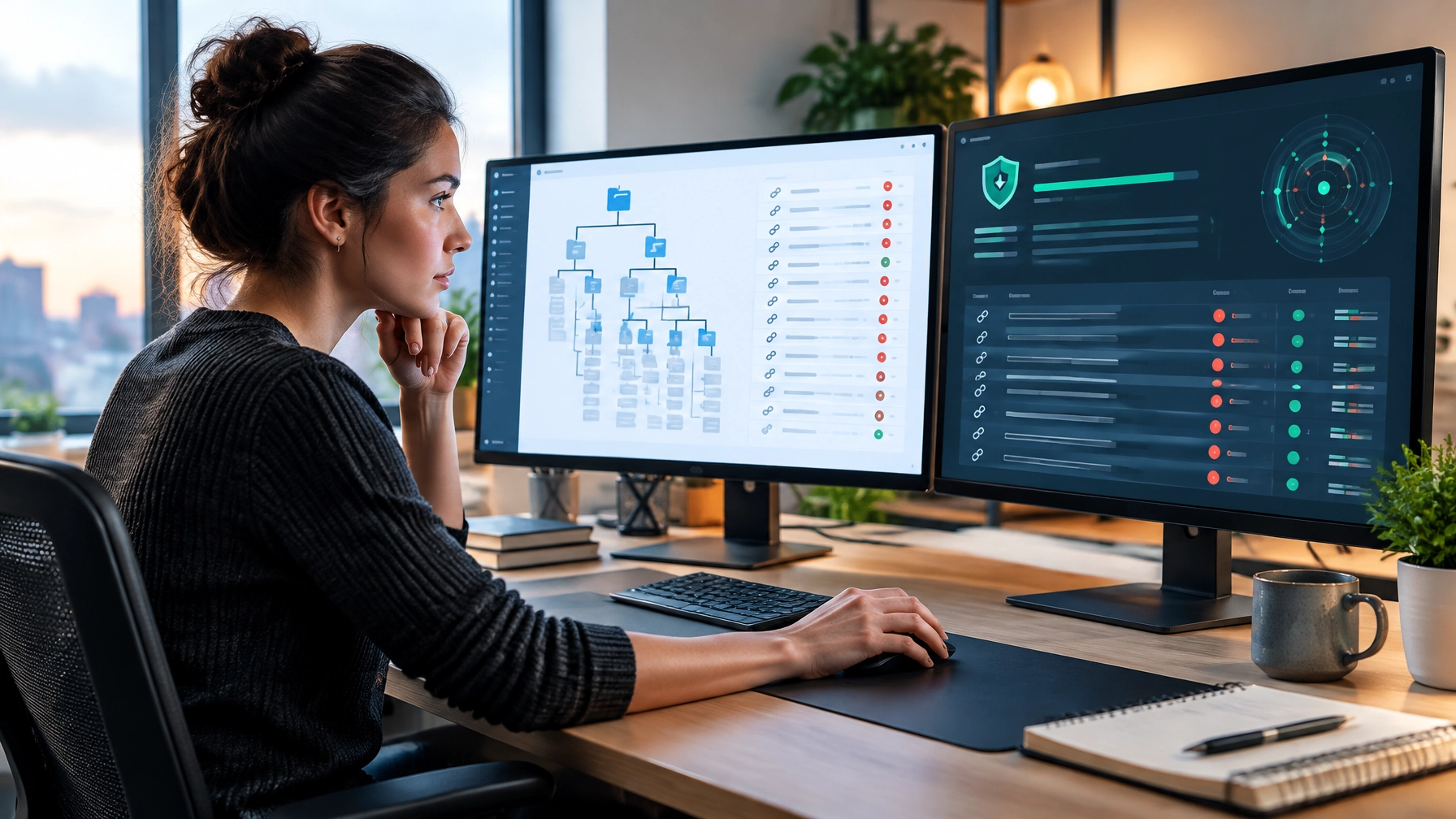
3. Ask Google to review the site
When the cleanup is complete, open Security issues in Search Console and select Request a review for the relevant issue. Explain what happened, what you fixed, how you addressed the underlying weakness, and how you checked the result.
Google’s review process checks whether the reported problem has been resolved. Make sure the entire site is clean before requesting a review, and don’t send another request while one is still pending.
4. Confirm the warning is lifted
Keep an eye on the Security Issues report and any Search Console messages for the outcome. After Google approves the review, confirm the warning is gone. If a warning remains or new issues appear, follow the report’s guidance and investigate further rather than assuming the problem is resolved.
5. Keep the site stable and monitor it
Once the warning is cleared, keep WordPress and its plugins maintained, and monitor Search Console for new security findings, unexpected URLs, and changes in indexing. Submit an up-to-date sitemap, and use URL Inspection for important pages you’ve restored.
Continue publishing useful, accurate content on your normal schedule. Avoid making rushed SEO changes to your real pages just because traffic has dropped; first make sure the site is safe, accessible, and serving the right content.
How long does it take to recover rankings after a hack?
There isn’t one recovery timeline that applies to every site. It varies with how serious the infection was, how long it went unnoticed, how quickly the site was cleaned, and how much Google needs to recrawl and reevaluate.
The review decision and the recovery of search visibility are also different steps. A review can confirm that a reported security issue has been fixed, but Google still needs to process affected pages. Rankings may not return to exactly where they were before: the hack may have changed what is indexed, and search results can change for other reasons too. No one can promise a specific recovery date or position.

What not to do after a hack
When traffic drops, drastic actions can make recovery harder. Avoid these common mistakes:
- Don’t delete the whole site. You could remove valuable pages and business information without fixing the vulnerability or backdoor.
- Don’t buy ads that point to a flagged domain. Visitors may see a warning before they reach your site, and the warning can undermine their confidence.
- Don’t restore a hacked backup just to make the warning disappear. A backup may contain the same infection, and restoring it won’t necessarily close the entry point.
- Don’t strip out your real content. Removing useful pages won’t clean malicious code or resolve a security issue. Keep legitimate content, and restore it if it was altered.
A steady recovery is better than a quick workaround
A WordPress hack can disrupt search traffic, hide legitimate pages, and damage customer confidence. But a drop in rankings does not automatically mean your site is permanently penalized. Focus first on a complete cleanup, removal of spam URLs and injected links, and a stable, secure WordPress site. Then request Google’s review and monitor Search Console while its systems reassess the affected pages.
If your site was hacked and you’re unsure whether the cleanup is complete, get help investigating it before requesting a review.