Hacked WordPress Site Sending Spam? How to Stop It and Rebuild Your Domain's Reputation

If customers tell you they received a strange email from your business, or your hosting company warns you about spam, you may wonder whether someone has taken over your inbox. Sometimes the source is a compromised mailbox. But a hacked WordPress site can also send spam without anything appearing in your email’s Sent folder.
The site may look normal while a hidden script sends messages in the background. Here’s how to stop the abuse, find the likely source, and work toward restoring your domain’s email reputation.
How a WordPress site gets used to send spam
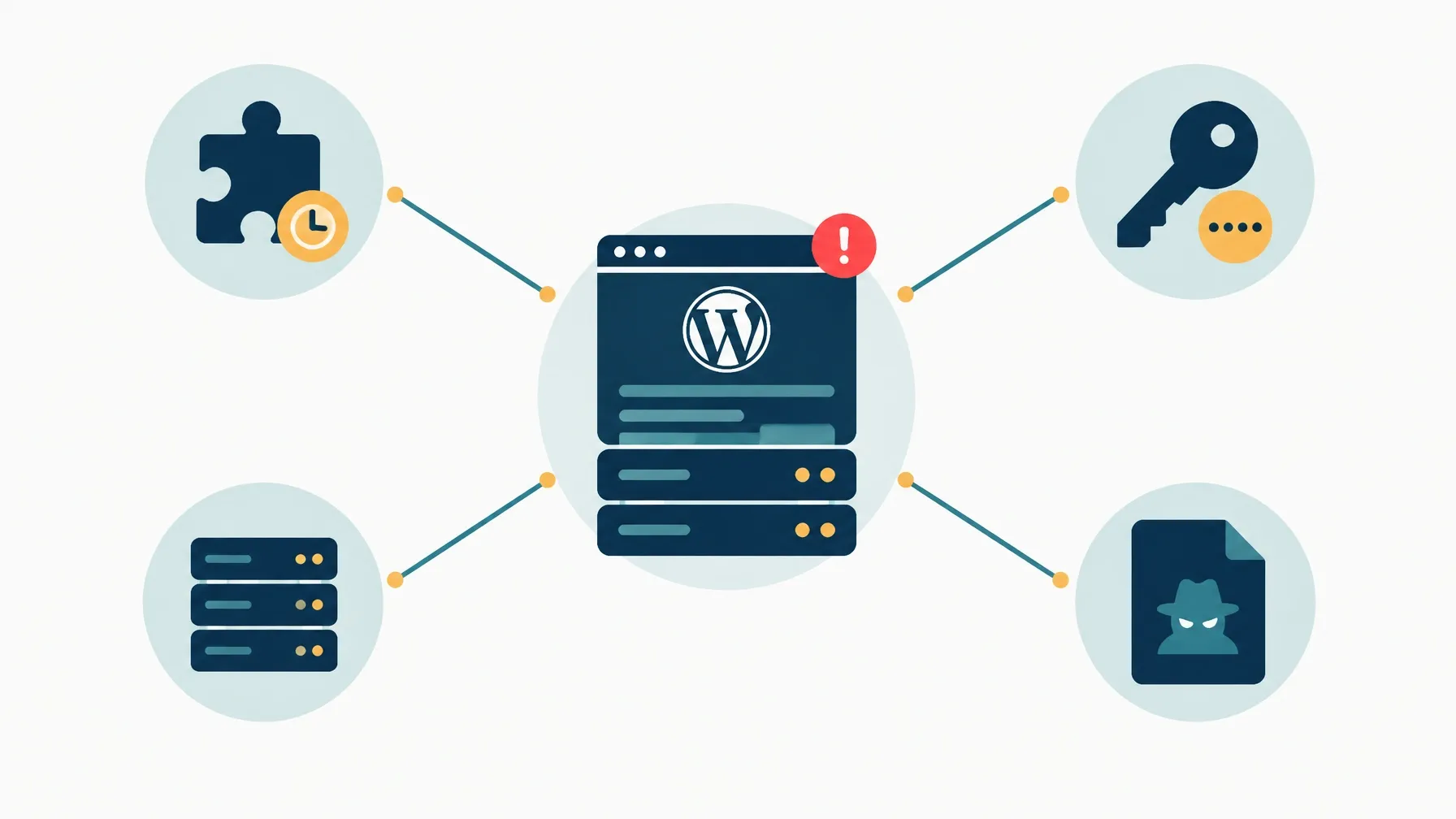
Attackers can turn a WordPress site into a mail sender in several ways:
- A mailer script is planted in a plugin, theme, or another site folder. The script may be disguised as an ordinary file or placed somewhere unexpected, such as the uploads folder.
- A contact or comment form is abused. Bots may submit large numbers of messages, especially if forms lack effective spam controls or rate limits.
- Email or SMTP credentials are stolen. Someone with a mailbox password or SMTP credentials can send through your email provider, rather than through the website itself.
- A rogue administrator account is added. An attacker who can log in may install a plugin, change settings, or upload files to send messages.
- Injected code sends email directly through the server. A script can use PHP mail rather than a connected mailbox. It may send messages in small bursts to avoid attracting attention.
These routes can overlap. Finding one suspicious mailer does not prove it was the only way in.
Why spam-sending hacks are different
A site used to send spam may still look completely normal to you and your visitors. The damage can be happening behind the scenes: in your site files, your hosting account, or the reputation of the domain or server IP used to send mail.
And the costs can continue after the website is cleaned. Email providers may keep filtering or rejecting your legitimate messages while they reassess the sender’s reputation. That can affect estimates, invoices, password resets, and everyday customer communication.
Signs your site or email account may be sending spam
Pay attention if:
- Customers or contacts receive messages you did not send.
- You receive bounce notices for emails you never sent.
- New WordPress user registrations suddenly flood in.
- Your host warns you about spam, abuse, or an outbound-mail suspension.
- Your site or mail account is sending a volume you don’t recognize.
- Your normal business emails start landing in spam or being rejected.
- Your domain or sending IP appears on a blocklist.
One clue on its own may have another explanation. For example, a bounce message can be spoofed to look as if it came from your address. Save the messages and ask your host or email provider to help distinguish spoofing from mail actually sent through your accounts or server.
First steps: contain the sending and preserve evidence
Contact your hosting provider promptly. Explain that you suspect your WordPress site or email account is sending spam. Ask them to review their mail logs and identify the sending account, process, or script. Hosting logs may help distinguish mail sent through PHP from mail sent using an authenticated mailbox or SMTP account.
Before deleting files or clearing mail queues, ask how to preserve relevant evidence. Keep copies of suspicious messages with their full headers and save host notices, timestamps, and any available logs. This information can help identify the source.
If spam is still going out, consider pausing outbound mail from the affected website or account while the issue is investigated. Ask your host what can be safely paused. If your business needs to keep sending essential messages, ask about a safe alternative rather than continuing from a sender that may be compromised.
Don’t request removal from a blocklist before the source is fixed. If the sending continues, the domain or IP may be listed again.
For more first-response steps, see our guide to what to do first when your WordPress site gets hacked.
How to find where the spam is coming from
Your host is often best placed to investigate server mail logs. Ask whether they can identify:
- The time and volume of outgoing messages.
- Whether mail came from a PHP script, a logged-in mailbox, or authenticated SMTP.
- The account, process, or file path associated with the sending activity.
- Whether other sites or accounts on your hosting plan may be involved.
Some setups record an X-PHP-Originating-Script header that can point to the PHP file sending a message. Logging varies by host, and this header may not be available, so ask your provider what evidence their systems retain. Save sample messages with full headers before deleting them.
A technician can also review files that changed recently, especially in plugins, themes, and uploads; check for administrator accounts you don’t recognize; and look for suspicious scheduled tasks or backdoors. If the site uses SMTP, check whether the messages were sent with stolen SMTP or mailbox credentials. Forms should also be checked for bot abuse and protected with suitable spam controls and sending limits.

Clean the site and close the way in
Removing the mailer script is not enough if a backdoor or compromised account can put it back. A spam-sending website should be treated as a potentially wider compromise, not just an email problem.
A thorough cleanup should remove malicious scripts and backdoors, investigate and close the entry point, and check the rest of the site. Rotate every credential that could provide access or send mail: WordPress administrator passwords, hosting and server access, mailbox passwords, and SMTP credentials. Revoke old sessions or tokens where relevant.
Then harden the site and its sending setup:
- Keep WordPress, plugins, and themes current, and remove software you don’t use.
- Limit who can administer the site and enable two-factor authentication where available.
- Protect forms from automated abuse, and apply sensible rate limits to website-generated email.
- Use authenticated sending through a trusted mail service where appropriate.
- Ask your provider to review email authentication records, including SPF, DKIM, and DMARC, and confirm they match the service you use.
Authentication helps receiving services verify legitimate mail, but it does not clean an infected site or guarantee delivery. For a fuller cleanup walkthrough, see how to remove malware from WordPress. If the site has been cleaned before and the problem returned, read why WordPress sites get hacked again after cleanup.
Rebuilding your domain’s email reputation
First find out what is actually listed. Check whether a blocklist names your domain, your sending IP, or both. Spamhaus’s reputation checker can help you check its lists; Spamhaus also explains what to do if you’ve been hacked or compromised.
Follow the removal process for the specific list only after the spam source has been addressed. If the listing concerns an IP controlled by your hosting provider, the host may need to handle the request. A domain-level listing may require action from you. Listing rules differ, and removal is not guaranteed.
You can use a mail-testing tool such as Mail-Tester to spot some message and authentication issues. Treat the result as a diagnostic, not proof that every recipient will accept your emails.
After the source is gone, keep sending at a normal, legitimate volume. Avoid sudden bursts or trying to compensate for missed messages by sending a large backlog all at once. Reputation recovery can take time, and the process depends on the list, the email provider, and whether suspicious activity has truly stopped.
What to tell customers and contacts
Keep the message brief and factual. For example:
We recently found that our website or email system sent messages that we did not authorize. We’re investigating and have taken steps to stop it. Please don’t click links or open attachments in any unexpected message claiming to be from us. If you’re unsure about a message, contact us using the details on our website.
Only say the issue is resolved once you’ve confirmed the source has been stopped. Don’t ask customers to share passwords or sensitive information in response to a follow-up email.
Why moving to a new domain is usually the wrong fix
Changing domains may seem like a quick way to escape a blocklist, but it doesn’t remove malware, stolen credentials, or the weakness that allowed the sending in the first place. The new domain could be abused too, while customers have to learn a new address and your business loses continuity.
Find and stop the source, secure the affected accounts, and follow the relevant blocklist and provider processes. If you’ve been told your WordPress site is sending spam, your host has suspended mail, or your normal emails are no longer reaching inboxes, address the website and email accounts together, not just the visible symptoms.